Email sequences
Follow up like it's your only job
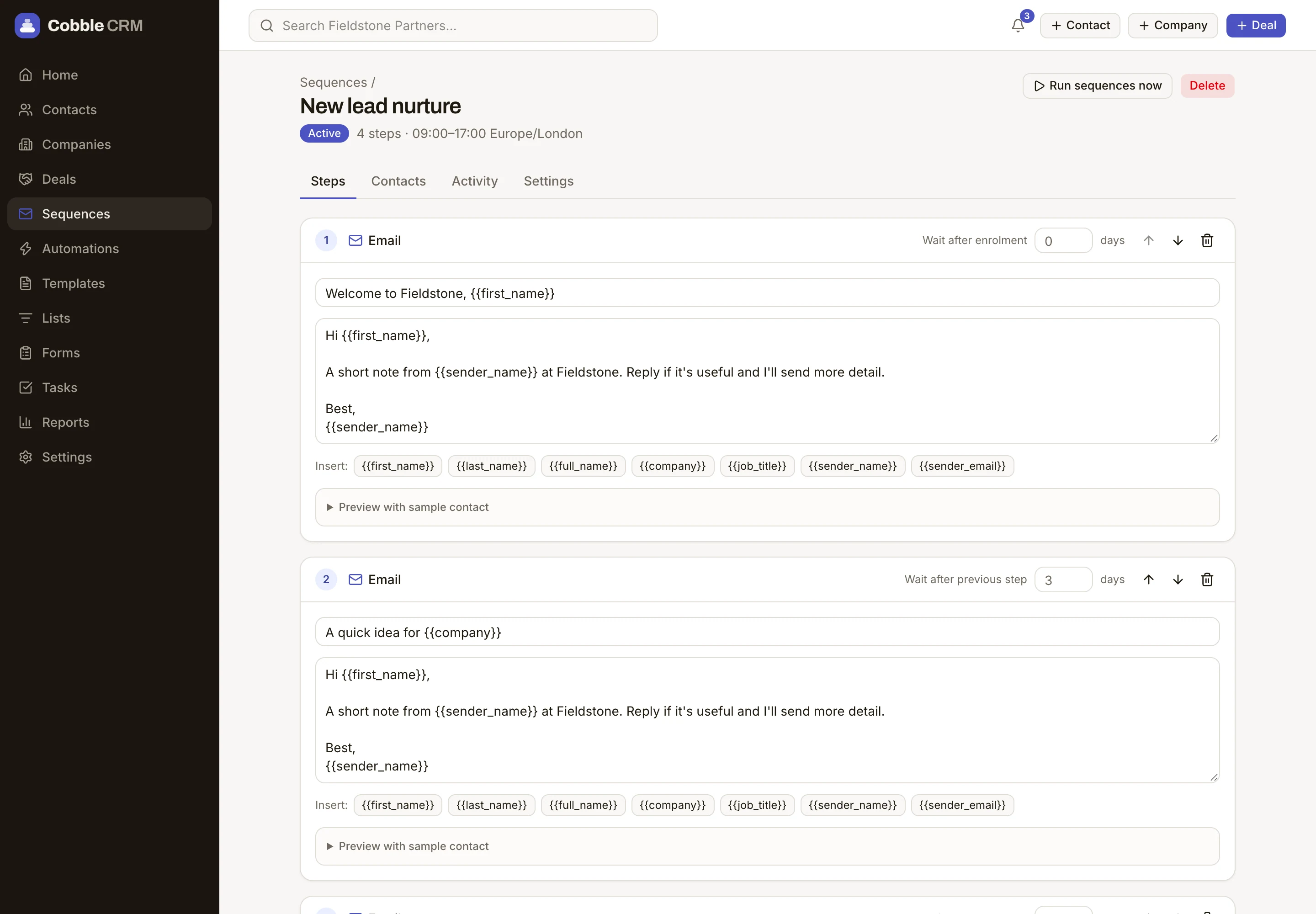
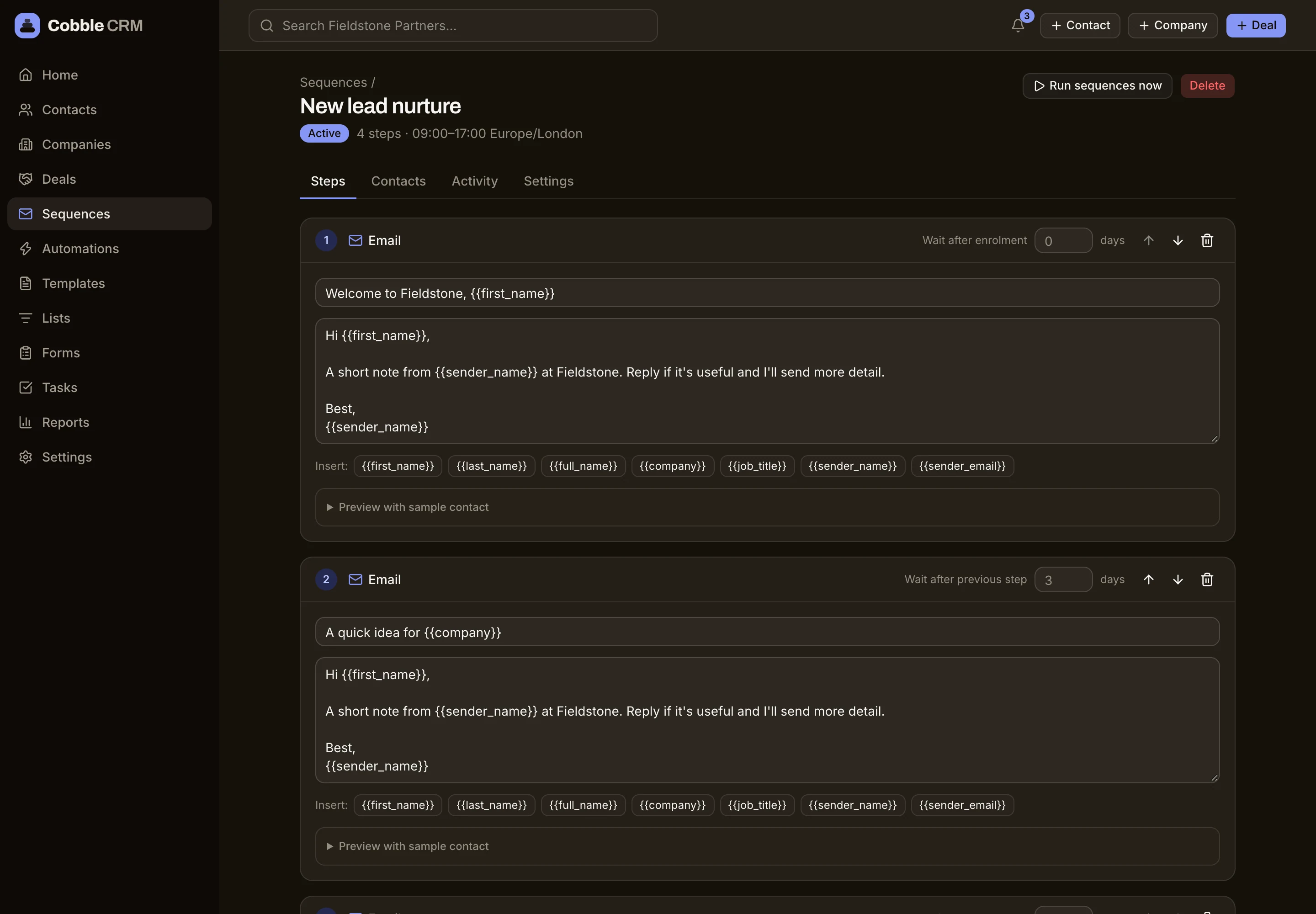
Write a few well-timed emails and tasks once. Cobble sends them from your own Outlook or Gmail, inside your working hours, and stops when someone replies, before the next step goes out.
Sent from your real mailbox
Connect Microsoft 365 or Gmail. Emails come from your address and replies land in your inbox, not a black hole.
Smart timing
Choose send windows and time zones so messages arrive when people are at their desks.
Emails and tasks together
Mix automatic emails with manual tasks, such as a call on day three, so outreach never feels robotic.
Templates with merge fields
Share templates across the team and personalise with the contact's first name, last name, company and job title, plus your own name and email.
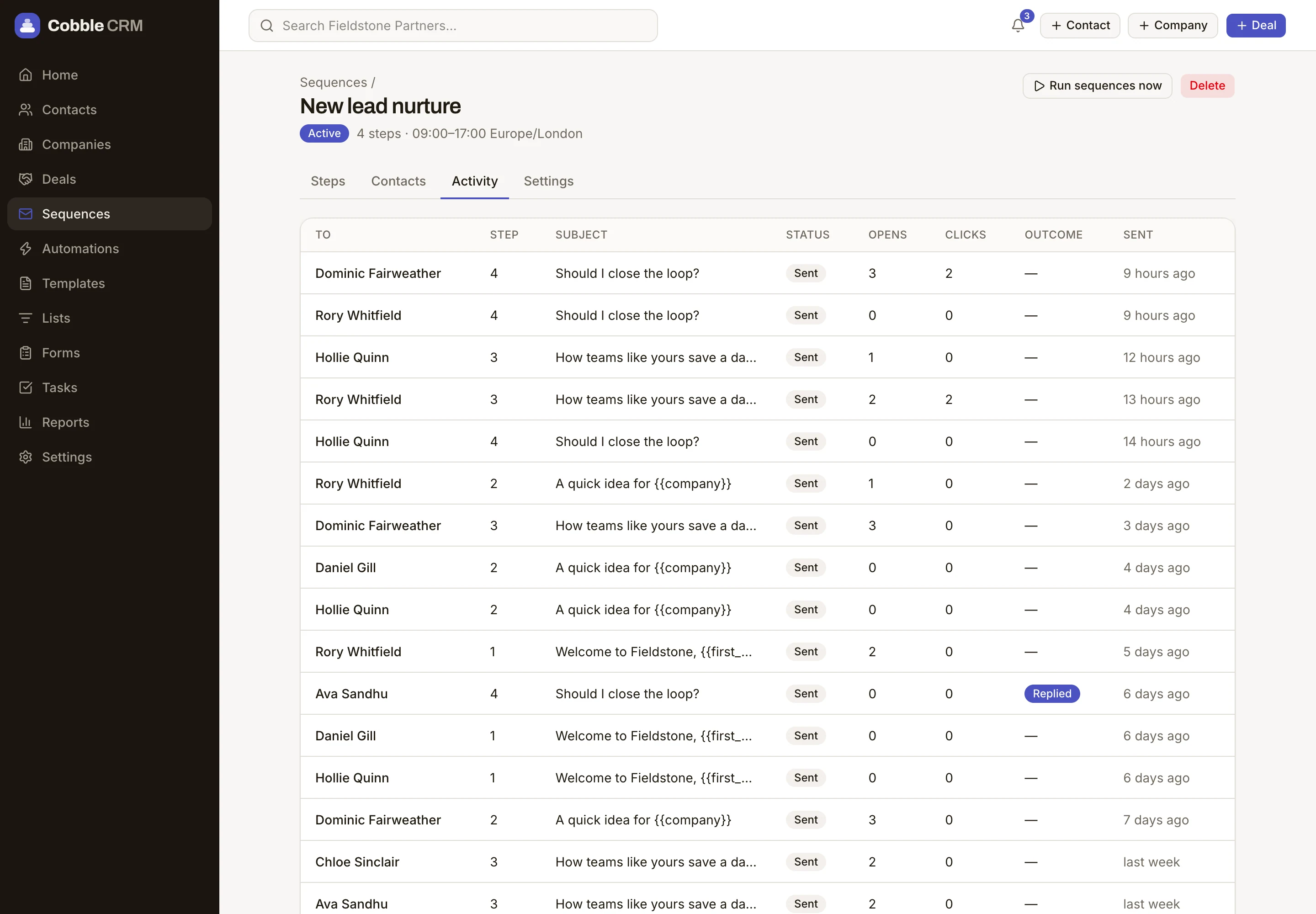
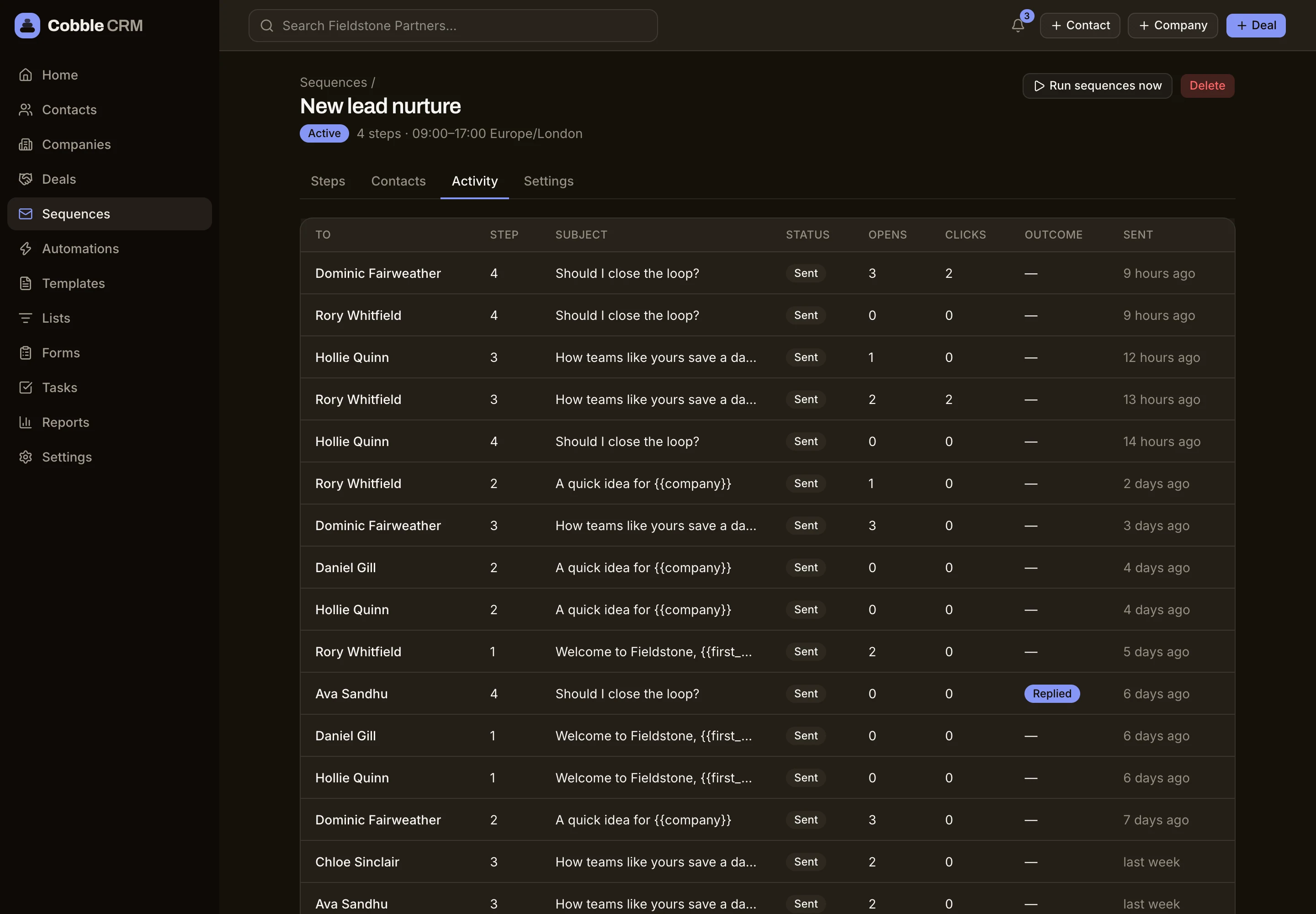
See what actually happens
Follow every send, open, click and reply. Replies and bounces stop the sequence automatically, and unsubscribes are always respected.
- Microsoft 365 and Gmail
- Stops on reply or bounce
- Unsubscribe handling
- Open and click tracking
Questions
Do emails come from my own address?
Yes. Each person connects their own mailbox, so sequences send as them and replies come straight back.
What happens when someone replies?
The sequence stops for that contact and the reply appears on their timeline.
Start free. Be selling in minutes.
Try Cobble with your real pipeline for 14 days. No credit card, no setup call, no pressure.