Forms and lead capture
Turn visitors into owned leads
Build a form, embed it or share the link, and every submission becomes a contact, assigned to an owner the moment it arrives. No copying from an inbox into a spreadsheet.
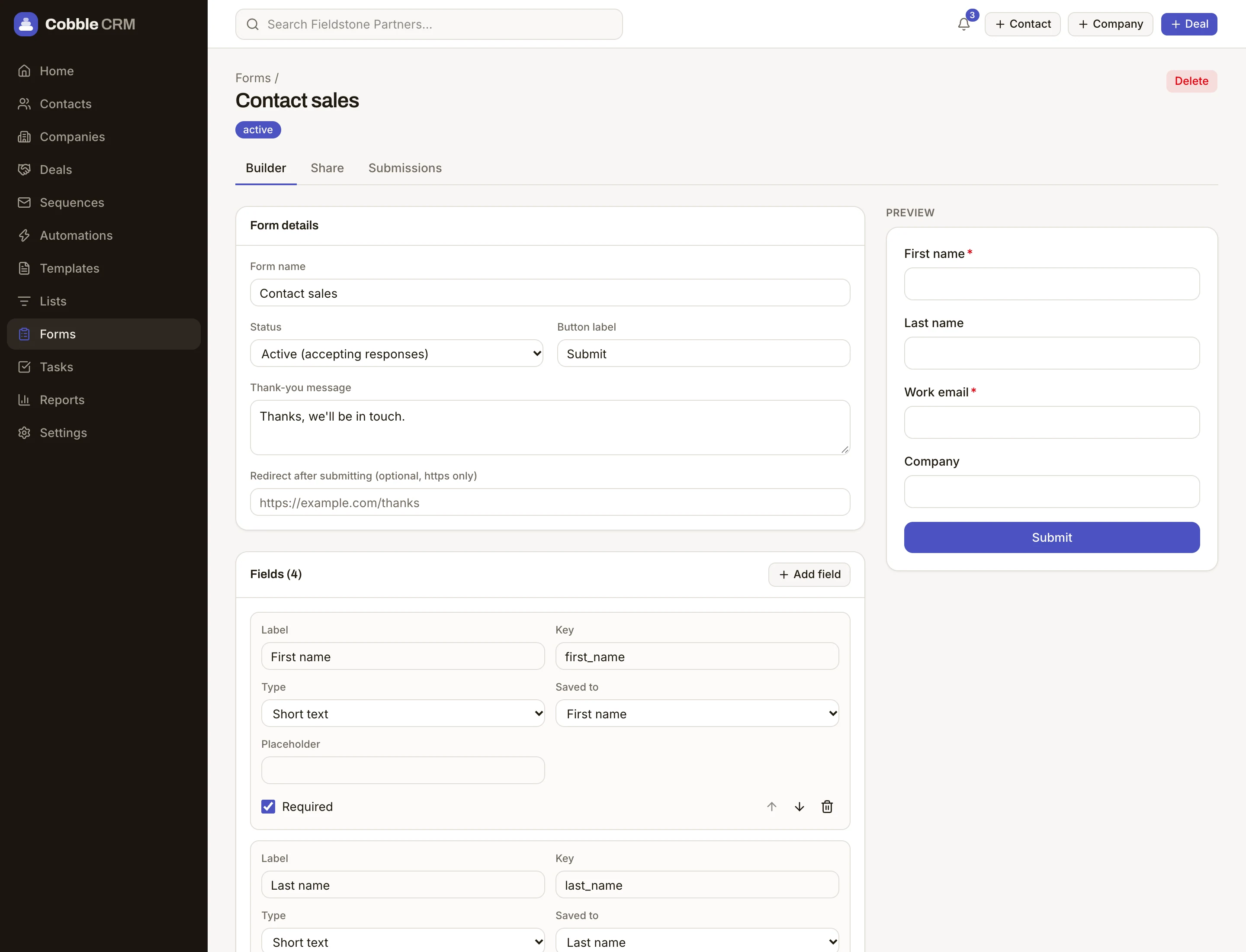
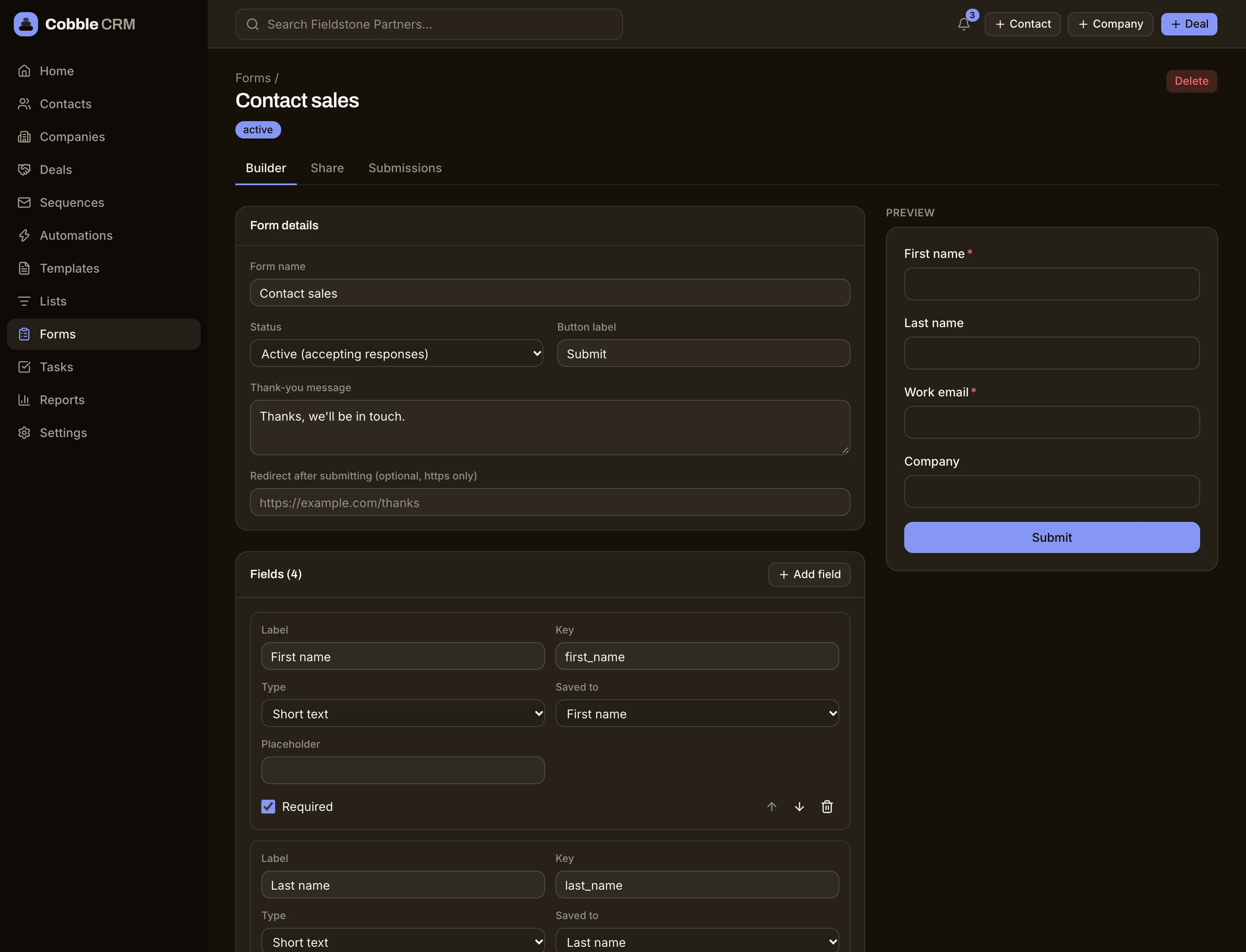
Embed or share
Drop a snippet on your site or send a hosted link. Both write straight into your CRM.
Straight into action
Each submission is assigned to an owner straight away. Add an automation to create tasks or start a sequence for new contacts, and turn on Slack alerts in Settings, Integrations to tell the team.
Consent captured
Record marketing consent alongside each submission so you know who you can email.
Duplicates caught
Existing contacts are matched by email, so a returning visitor updates their record instead of creating another.
See which forms earn their keep
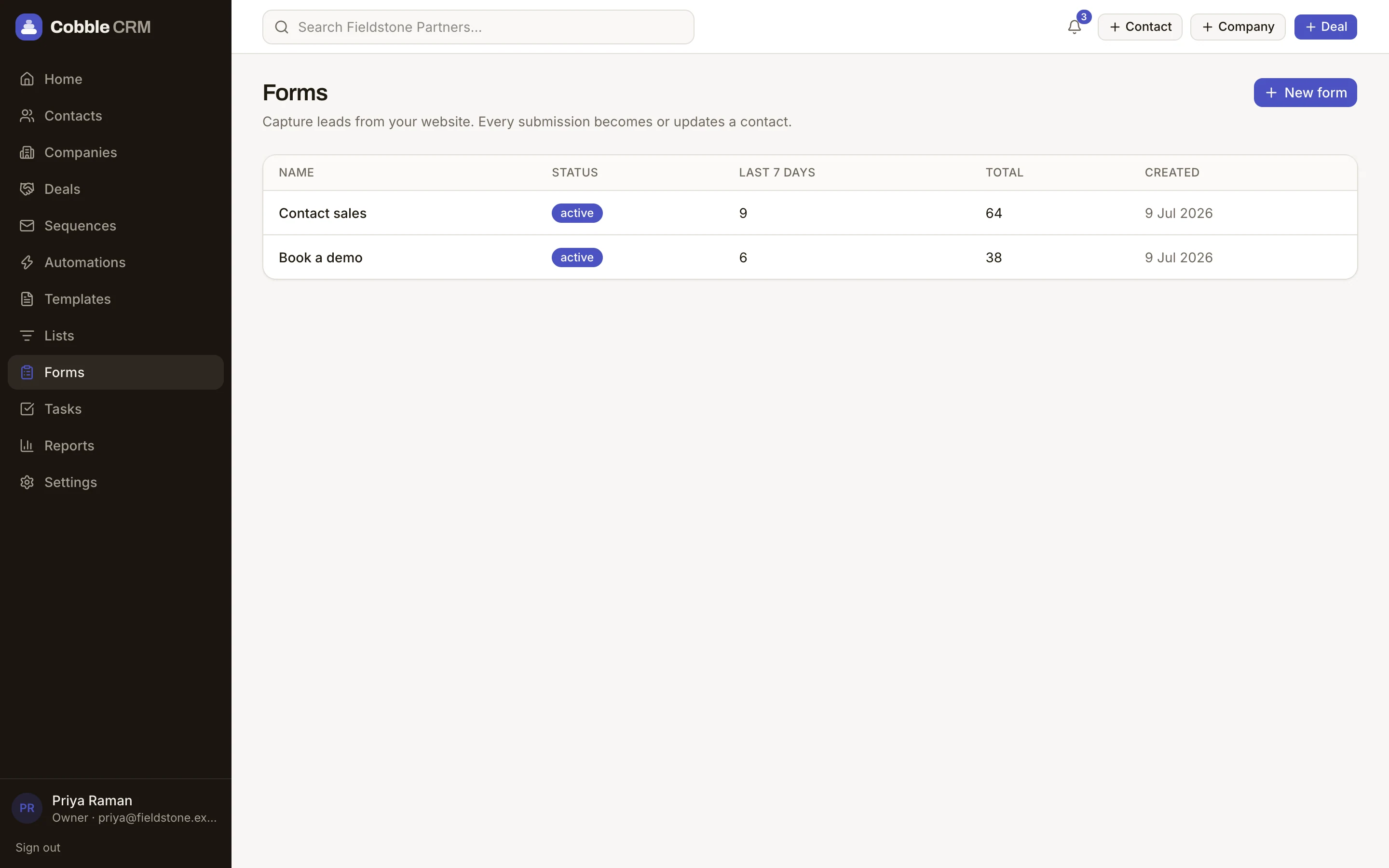
Submission counts and recent activity for every form, and each submission is tied to the contact it created.
- Hosted and embedded forms
- Consent tracking
- Duplicate matching
- Works with automations
Questions
Can I put a form on my own website?
Yes. Use the embed snippet or post to the form endpoint from your own front end.
How many forms can I have?
Starter includes 5 forms. Growth, Scale and Enterprise are unlimited.
Start free. Be selling in minutes.
Try Cobble with your real pipeline for 14 days. No credit card, no setup call, no pressure.